
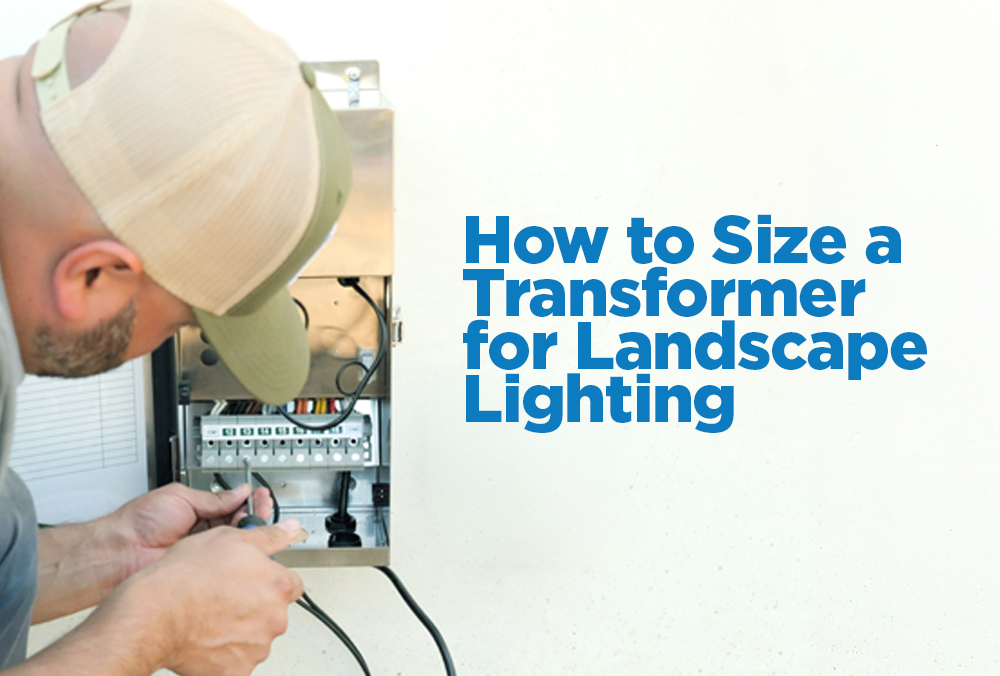
Transformer selection comes down to two questions:
1. How much power does the job need?
2. What kind of control does the customer want?
Start With the Load
Before choosing a transformer, calculate the total wattage for the system. Count the fixtures on the job, then add up the wattage they’ll draw. For fixtures with a wattage range, use the high end of the range. If a fixture can draw 2W to 6W, count it as 6W. That gives you a safer number to work from.
Then think ahead. If the customer may add more fixtures later, include that potential load now. It’s easier to size the transformer correctly the first time than to replace it because the system outgrew it.
Keep the total load at no more than 80% of the transformer’s maximum capacity. That extra room helps account for wire runs, voltage drop, and normal load fluctuation.
- 150W transformer: stay around 120W or less
- 300W transformer: stay around 240W or less
- 600W transformer: stay around 480W or less
That extra room matters. A job that looks like it can fit on a 150W transformer may need to move up once you run the real numbers.
Let’s take a look at this Example
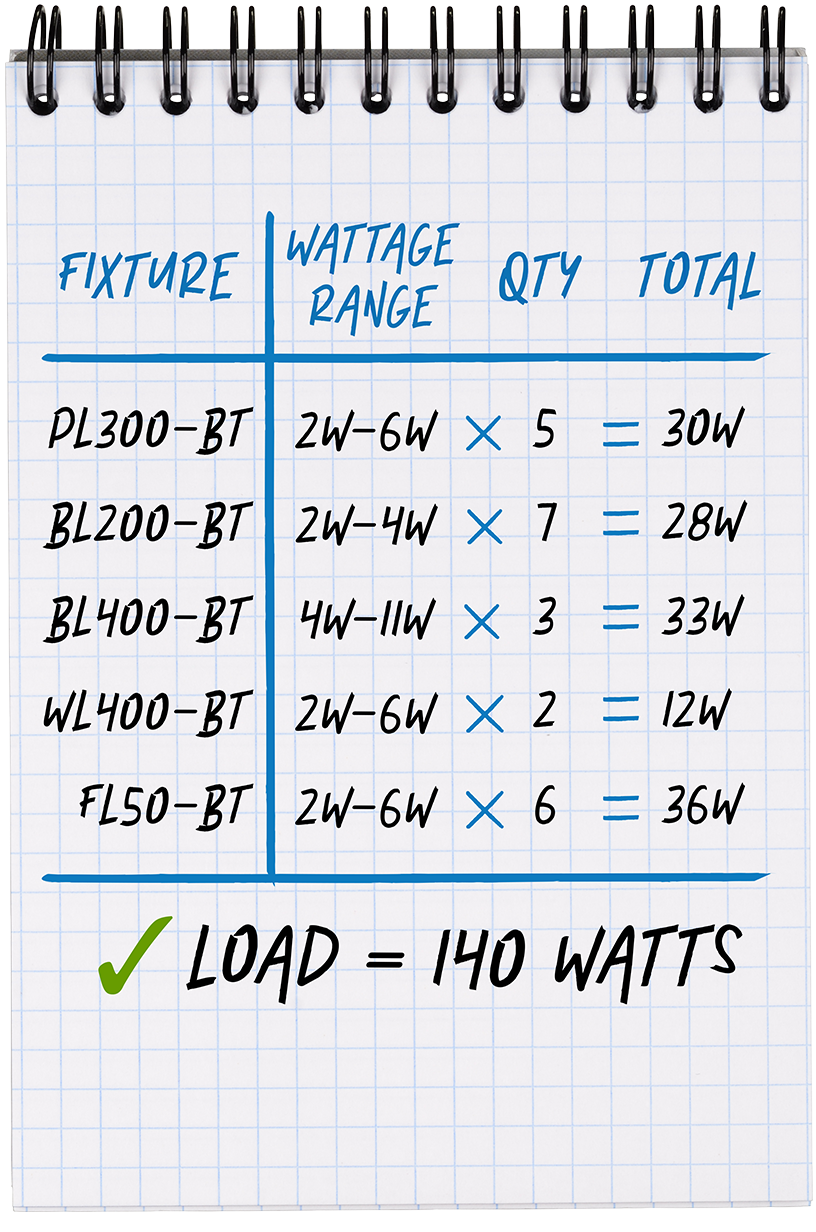
For example, let’s say a job totals to a load of 140W. At first glance, a 150W transformer might look close enough. But once you factor in the 80% rule, the job is already over the 120W max. In this case, better move is a 300W transformer. It gives the system the capacity it needs now and leaves room for the customer to add on later.
Next, Choose the Control
Once the power is figured out, move to control.
Ask how the customer wants to use the lighting:
- Do they want a simple setup?
- Do they want timer or photocell control?
- Do they want app control?
- Do they want zones?
- Do they want to adjust schedules from their phone?
The transformer series should match how the customer will actually use the system.
Alliance Transformer Series
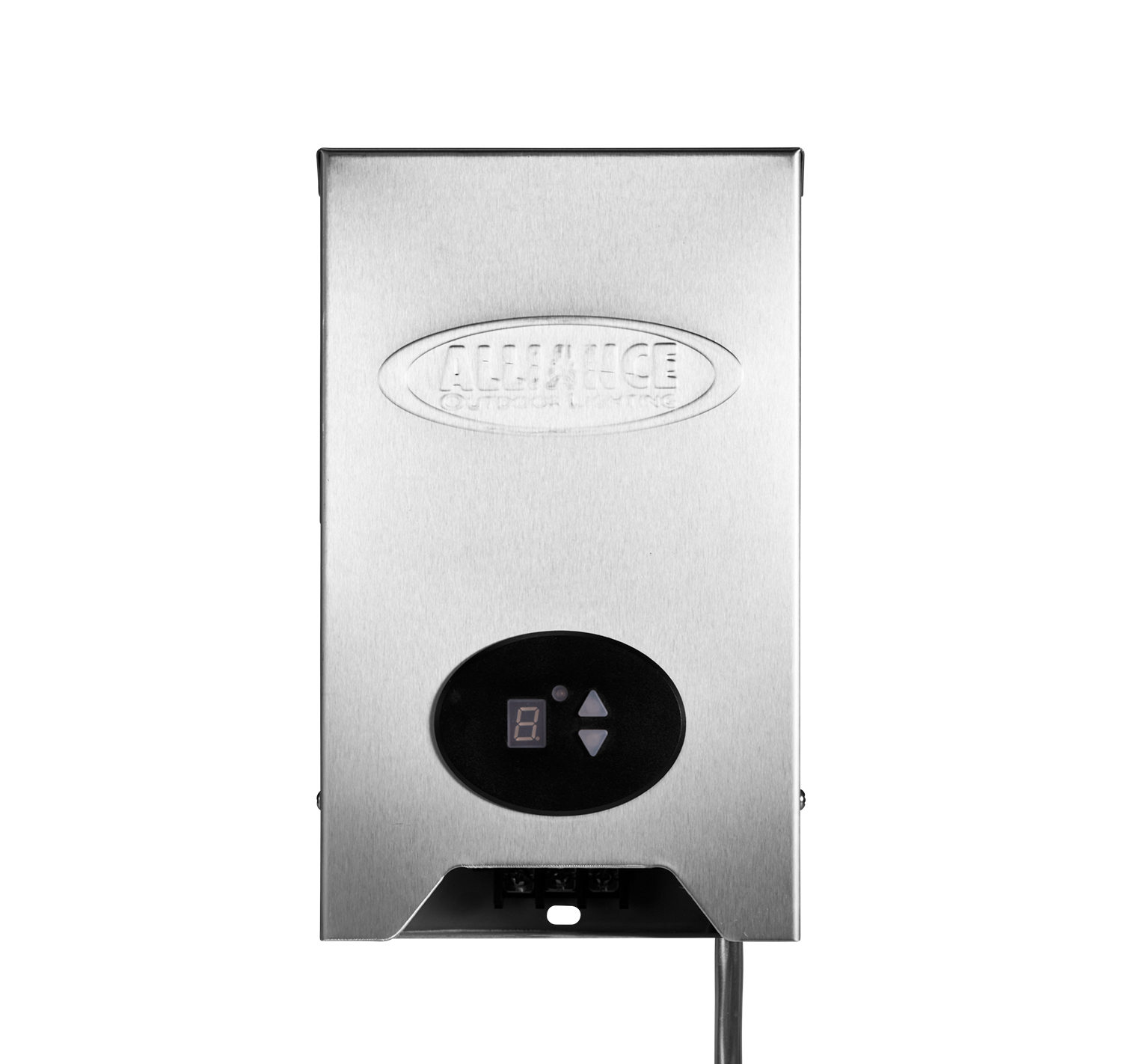
TF Series
The TF Series is a good fit for smaller, straightforward jobs. It includes built-in photocell and timer control, with 150W, 200W, and 300W options.
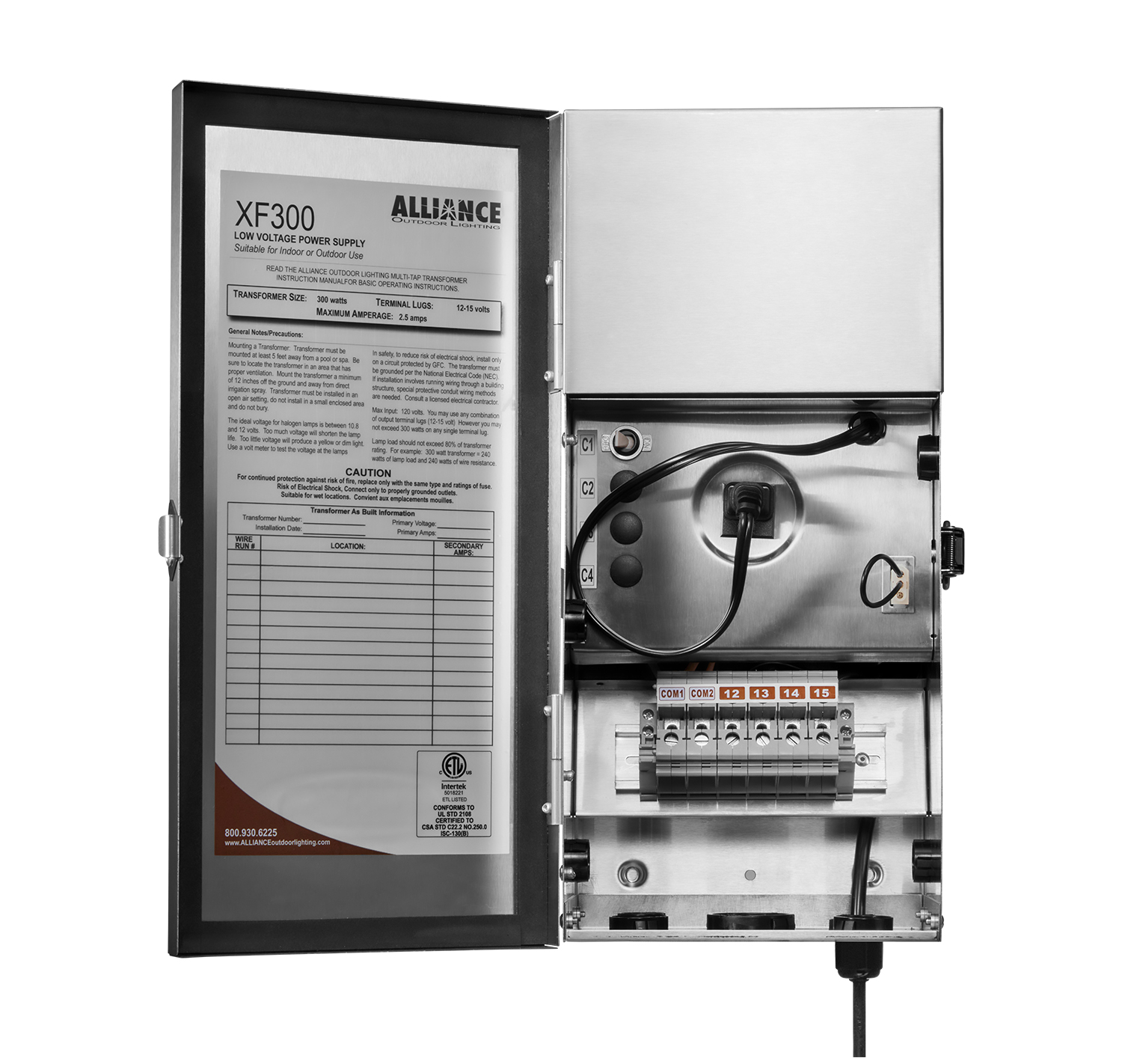
XF Series
The XF Series is a stronger fit when the job needs more flexibility. It includes ports for photocell and timer control, multiple taps, and higher capacity options in 150W, 300W, and 600W models.
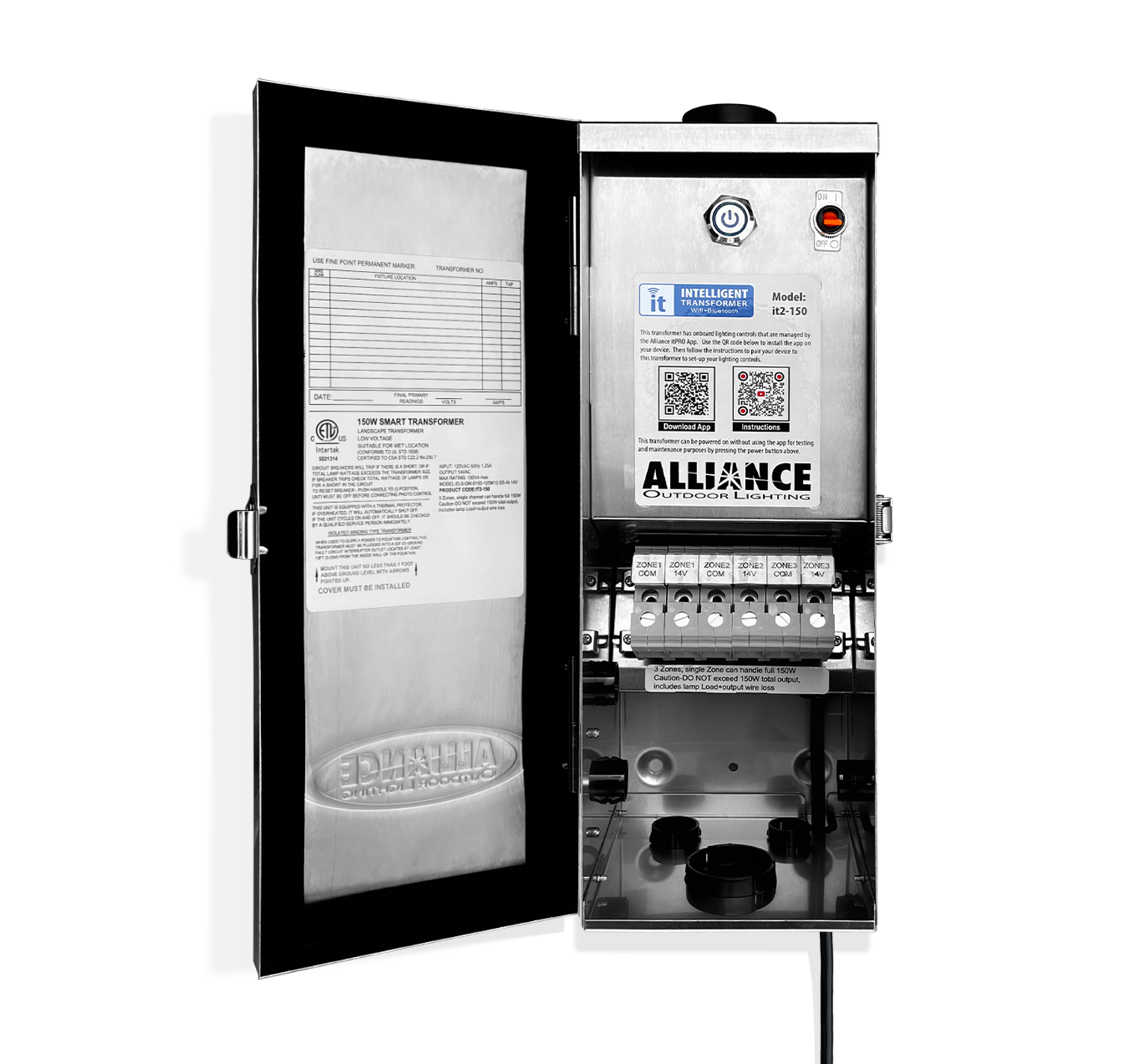
it2 Series
The it2 Series is the smart control option. It gives the customer app control through Bluetooth® or
WiFi, with zoning and scheduling in 150W and 300W models.
WiFi, with zoning and scheduling in 150W and 300W models.
Finally, Consider the Warranty
Warranty is another factor to consider.
When the load fits more than one series and the controls are similar, warranty coverage can help make the call. TF gives you 2-year coverage, while XF and it2 give you lifetime coverage.
When the load fits more than one series and the control needs are similar, warranty coverage can help make the call. If you’re choosing between the TF300 and XF300, for example, both give you 300W of capacity and similar timer/photocell control options, but the warranty coverage is different. The TF Series carries a 2-year warranty, while the XF and it2 Series carry a lifetime warranty. That warranty difference can turn a close call into a clear recommendation.
If you're looking for more information, check out our TF Series Transformers, XF Series Transformers, or IT2 Intelligent Transformers pages. You can also check out our broader transformer, layout, and wiring guide, laws of low voltage article, or check out our document library.
 Use this form to sign up for our newsletter. If you need technical support, please contact our